We put a development environment for training AI models in a Docker container for LearnIoTAI. The Python interpreter with AI packages such as Tensorflow and Pytorch is in the Docker container. To use the Python interpreter inside the Docker container through an Integrated Development Environment (IDE) we need to select the containerized Python interpreter from the IDE.
Launch the iotai_train Docker container with the alias iotain_train and open pycharm.sh from inside the container. Go to Settings Python Interpreter to select an interpreter.
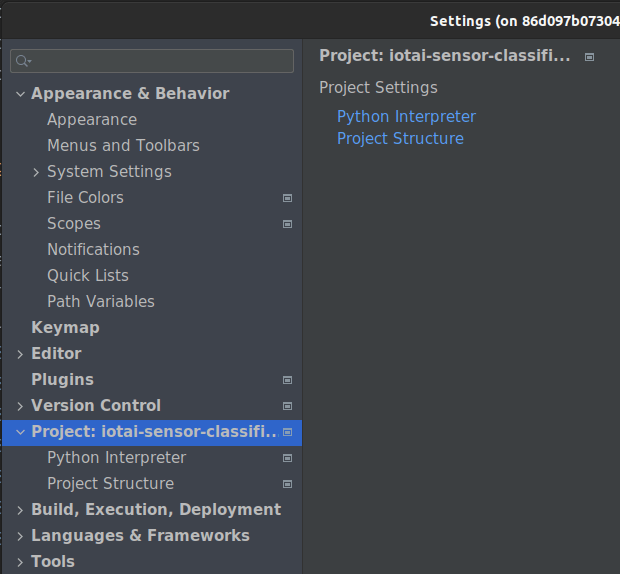
Select the Python Interpreter in the container. After selecting the interpreter the available Python packages will appear.

Microsoft Visual Studio Code
MS Code comes with containerized interpreter connection ability. In Microsoft Visual Studio Code Connect to a running container: CRTL-SHIFT-P -> Remote-Containers: Attach to Running Container…

Select running Docker container
Container runs interpreter for the integrated development environment (IDE).

Container interpreter
Container running interpreter at top of IDE.

Now you can develop and run Python code with all the packages from the LearnIoTAI container.
 Learn IoT and AI